We and selected third parties use cookies or similar technologies for technical purposes and, with your consent, also for other purposes as specified in the cookie policy.
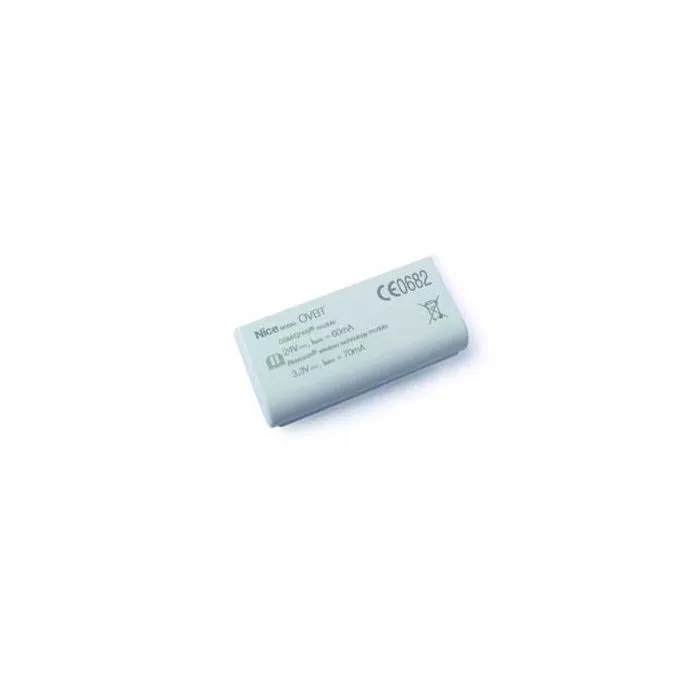
https://www.liberotech.com/ww/bluetooth-connection-module-for-o-view-interface-nice-ovbt.htmlOVBTBluetooth connection module for O-View interface Nice OVBT<div>
<strong>Bluetooth connection module for O-View interface.</strong></div>
<div>
“O-View Software Suite” enables connection via PC or PDA to O-View in the vicinity of the system, to intervene on the control units on the BUS T4 network.Maximum connection distance 15 m.</div>
<div>
</div>
<div>
<strong>O-View Software Suite</strong></div>
<div>
This application, supplied with OVBT and OVBTGSM, as well as expanding the functions of O-View enables the creation of a database of installations with personal data of clients and configurations of each system, even on more complex versions.</div>
<div>
</div>
<div>
There are two versions of software: “<strong>O-View Desktop</strong>” designed for installation on a PC and “<strong>O-View Mobile</strong>” which enables use of the functions of the desktop version on a smaller screen of a PDA or Smartphone. <u>By connecting to the site www.nice-service.com users can download the constantly updated firmware and software versions.</u></div>
<div>
</div>
<div>
The interface of “O-View Software Suite” has been specially designed to enable rapid access to all parameters of the connected devices without the need for physical access, as well as quick diagnostics of malfunctions by consulting the event log, all the most practical and intuitive way possible.</div>
<div>
</div>
<div>
The O-View control function has been expanded: in just one PC screen, all applications connected via BUS T4 can be controlled.</div>
<div>
</div>
<div>
<a href="https://www.niceforyou.com/_download/product_information/radio_control_electronic_systems/opera/nice_folder_opera_en.pdf" target="_blank">Download Datasheet</a></div>https://www.liberotech.com/media/catalog/product/_/o/_o_v_ovbt.jpg183.38outofstock183.38183.3800NICE000https://www.liberotech.com/media/catalog/product/_/o/_o_v_ovbt.jpg/Gate automation/Gate automation/Accessories for automatic gates16878578670001017800
Buy everything you want in 3 interest-free installments with Scalapay





 Buy everything you want in 3 interest-free installments with Scalapay

 Official V-TAC Italy distributor. Buy wholesale as a retailer
 Buy by phone — also a great opportunity to get to know us